

Enkept Forms · Enkept Forms
Respondent & guest management for feedback forms
View distinct users and their details, filter segments like upcoming birthdays, and see every response from a single user.
What is User / guest management in Enkept Forms?
Enkept Forms tracks distinct users and guests who respond, with filters for segments such as upcoming birthdays and a view of all responses tied to one user — useful for repeat-customer feedback and follow-ups.
Key user / guest management capabilities
- View distinct users and user details
- Filter user segments, like upcoming birthdays
- View responses of distinct users
How it works
- 01
Open the user/guest list
- 02
Filter by segment, e.g. upcoming birthdays
- 03
Open a user to see all their responses
- 04
Follow up where needed
What you gain
Know your respondents
See every response linked to one user, not just isolated forms.
Targeted outreach
Birthday and segment filters support personalised follow-ups.
No duplicate records
Distinct users are tracked cleanly across responses.
Built for these industries
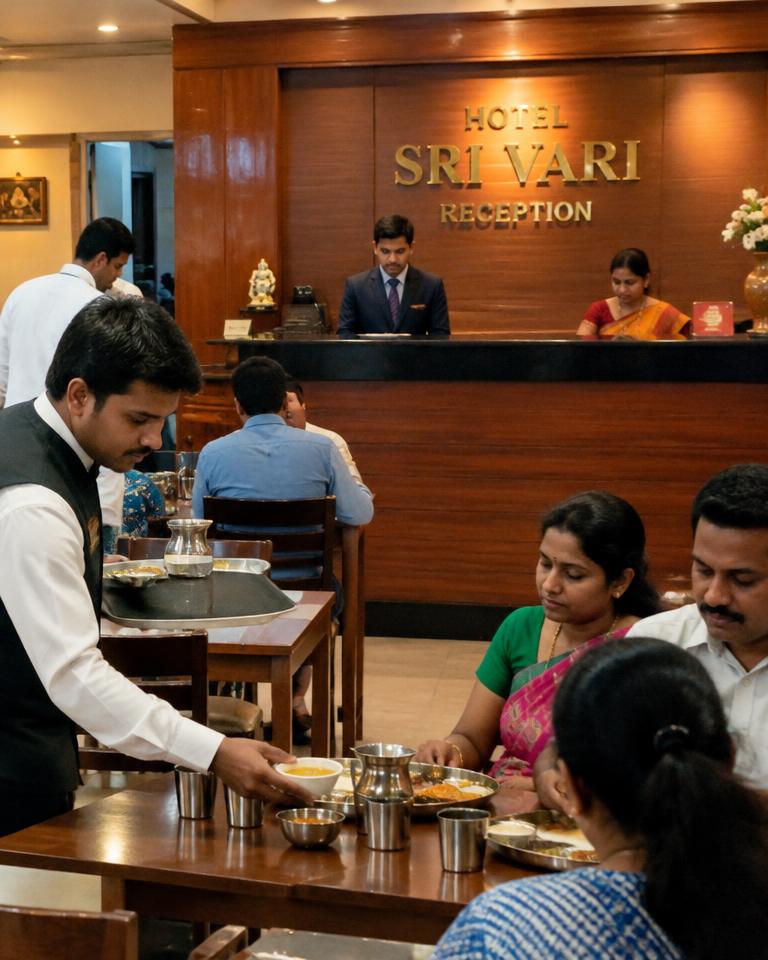
Teams in these sectors use user / guest management every day.


Works with other Forms features
Every feature shares the same data, so nothing is entered twice.
Pricing
Included in every Enkept Forms plan.
User / guest management — FAQs
Can I see all responses from one guest?+
Yes. User/guest management shows every response tied to a distinct user.
Can I filter users by birthday?+
Yes. Segments like upcoming birthdays can be filtered.
Run your whole business on one suite.
14-day free trial. No credit card. Migration help included.